![Logo Jobtoolz - White.svg]](https://help.jobtoolz.com/hubfs/Logo%20Jobtoolz%20-%20White.svg)
When you create a filter template, you can use it yourself or easily share it with colleagues who also use Jobtoolz 👥
In this article, we explain how to make your template quickly accessible to others.
Step 1Go to your Settings and click on Filter Templates.
Here, you will find all the templates you have created, as well as the templates that other users have shared with you.
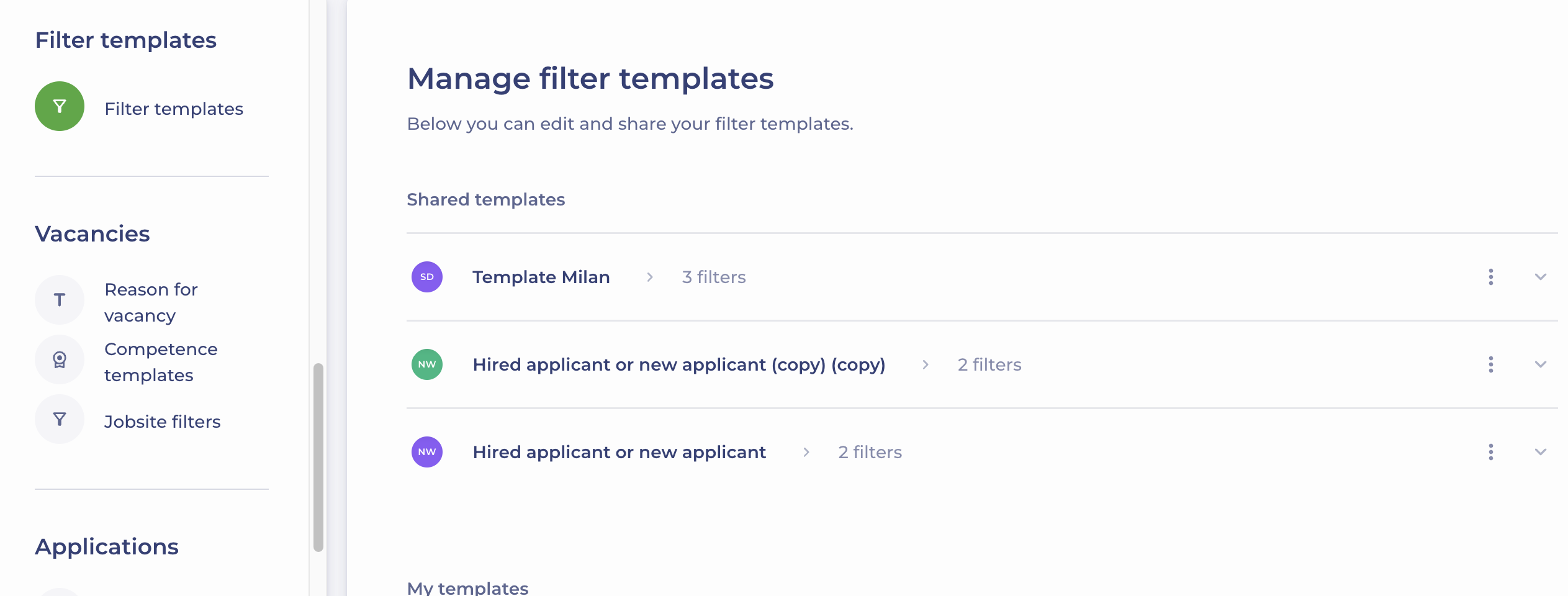
Step 2
Click the ‘Share’ button next to the template you want to share.
You will see that your filter template is automatically moved from ‘My templates’ to ‘Shared templates’ 🚀