![Logo Jobtoolz - White.svg]](https://help.jobtoolz.com/hubfs/Logo%20Jobtoolz%20-%20White.svg)
📍 Go to Settings
Open settings in Jobtoolz.
Navigate to the vacancies module. Here, you'll find the 'Departments' section.
➕ Add a DepartmentClick the green 'Add Department' button.
Enter the name of the department. Do you use multiple languages? You can also add the department name in the different available languages. 🌍
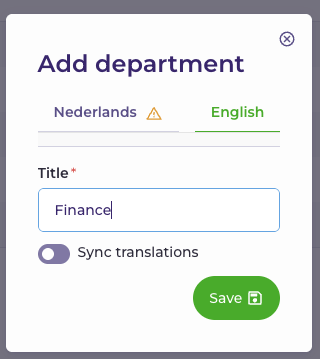
Click 'Save' to store your departments.
🎉 You're All Set!Your departments are now available and can be used when setting up your Vacancy alerts. This allows candidates to easily subscribe to the departments they're interested in.